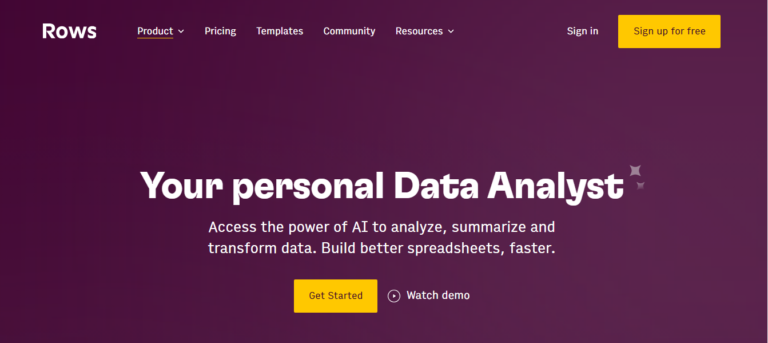
TL;DR: Rows AI is an AI spreadsheet and data analysis platform that helps teams analyze data, build reports, create charts, and automate spreadsheet workflows faster. It is best suited for operators, marketers, analysts, and business teams that want spreadsheet flexibility with built-in AI help.
App Score: We give Rows AI 8/10 for combining spreadsheet workflows, AI analysis, reporting, and integrations in a more modern interface than traditional spreadsheet tools.
Rows AI is designed for teams that want to work with data without jumping between spreadsheets, dashboards, and separate AI tools. Its biggest strength is turning spreadsheet work into a more guided workflow: users can analyze tables, summarize information, create charts, automate reports, and connect outside data sources in one place. It is especially useful for business reporting, marketing operations, data cleanup, and lightweight analysis tasks.
Who is Rows AI for?
- Operators and analysts who want faster spreadsheet-based reporting and analysis
- Marketing and growth teams working with campaign, CRM, and performance data
- Business teams that want AI help inside a spreadsheet workflow
- Users comparing Rows with Excel, Google Sheets, or other AI spreadsheet tools
Key features of Rows AI
- AI analyst workflows for summarizing, transforming, and exploring data
- Spreadsheet formulas, tables, charts, and reporting in one workspace
- Data imports, integrations, and connected business-data workflows
- AI tasks for extracting insights, classifying text, and organizing information
- Shareable spreadsheets and collaborative workspaces for teams
- Reporting and dashboard-style outputs built from spreadsheet data
How to use Rows AI
- Create a workspace and start with a spreadsheet or imported data source
- Use Rows AI to analyze tables, summarize data, or create formula-driven outputs
- Build charts, reports, and connected views for team workflows
- Upgrade if you need more AI tasks, higher automation frequency, and more integrations
Pros
- Strong mix of spreadsheet flexibility and built-in AI workflows
- Useful for reporting, operations, and business analysis use cases
- More guided and modern than traditional spreadsheet tools for many teams
- Free plan exists for getting started
Cons
- Power users may still prefer Excel or Sheets for some advanced spreadsheet habits
- AI-heavy and automation-heavy workflows are better on paid plans
- The product is most valuable for recurring data work, not one-off casual spreadsheet use
- Team pricing can add up as usage expands
FAQs
What is Rows AI?
Rows AI is an AI spreadsheet and data analysis platform that helps users analyze data, automate workflows, and build reports inside a spreadsheet-style interface.
Is Rows AI free?
Yes. Rows offers a free plan, with paid plans for heavier AI usage, automation, and team workflows.
How much does Rows AI cost?
Rows offers a free plan, a Plus plan starting around $8 per user per month on monthly billing, a Pro plan starting around $79 per month plus $8 per user, and custom Enterprise pricing.
Who should use Rows AI?
Rows AI is best for analysts, operators, marketers, and business teams that want AI-assisted spreadsheet analysis and reporting.
How is Rows AI different from Excel or Google Sheets?
Rows AI is built around modern spreadsheet workflows with more integrated AI, reporting, and connected business-data use cases.