





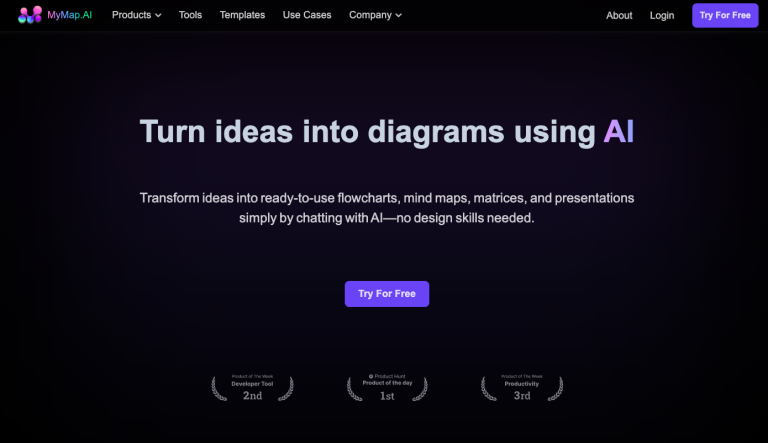
MyMap AI transforms ideas into visual content such as flowcharts, mind maps, and presentations. It’s designed for students, professionals, and content creators, using AI to create visually structured content from text descriptions or uploaded data.
MyMap AI is an intuitive platform that uses AI to help users visualize ideas. By converting written or spoken inputs into structured diagrams, it simplifies complex information, making it ideal for visual thinkers. Whether you need mind maps for brainstorming or flowcharts for project management, MyMap AI makes the process easy and fast, with collaboration features for teams and integration of real-time web search results.
Let’s explore MyMap AI’s pricing, features, and alternatives.
Key Features of MyMap AI
- AI-Native Visual Creation: Create flowcharts, mind maps, and diagrams by simply chatting with the AI.
- Multiple File Format Support: Upload content and the AI will generate visualizations based on context.
- Web Search Integration: Uses live search results from Google or Bing to enhance the diagrams.
- Collaboration Tools: Work on diagrams with your team in real-time.
- Export Options: Save and share your diagrams as images, PDFs, or shareable links.
How to Use MyMap AI
- Sign Up: Create an account on MyMap AI.
- Choose a Feature: Select mind mapping, flowcharting, or presentation generation.
- Enter Input: Provide text descriptions or upload documents.
- Generate Visuals: Use the AI to instantly create visual maps or charts.
- Collaborate and Export: Work with team members in real-time or export your files as PNGs or PDFs.
Who Is MyMap AI For?
- Students & Researchers: Visualize lecture notes, research topics, or complex theories.
- Professionals: Create project maps, strategies, and workflows for teams.
- Content Creators: Design content calendars, storyboards, and outlines for creative projects.
FAQs
- What is MyMap AI?
MyMap AI is an AI-based platform that converts text inputs into flowcharts, mind maps, and other visual content. - Is MyMap AI free to use?
Yes, the platform offers free usage with premium options available for advanced features. - Can I use MyMap for presentations?
Yes, MyMap has a presentation mode for creating dynamic, map-based presentations. - What file formats are supported for export?
You can export your diagrams as PNG or PDF files.