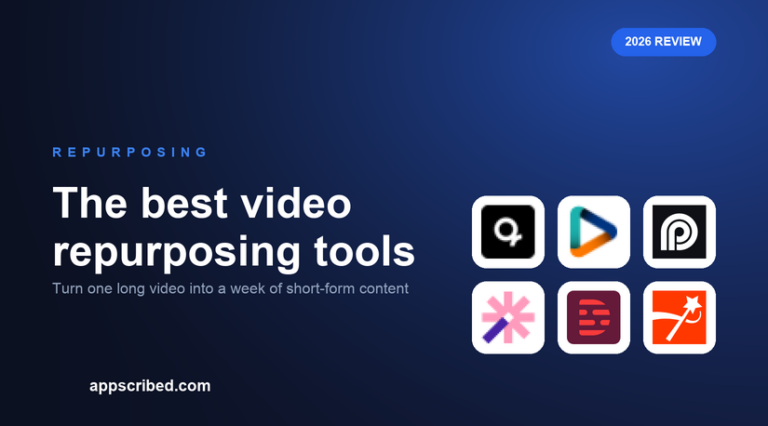
Video repurposing is the discipline of getting maximum mileage from one recording: turning a single long video into a dozen clips, captioned and reframed for each platform, ideally scheduled to post over the following weeks. Done well, it is the highest-leverage content workflow there is.
The best repurposing tools go beyond clipping to cover captions, translation, scheduling and analytics. Here are the ones that do the whole job.
The best video repurposing tools


All-in-one versus best-of-breed
There are two philosophies. The all-in-one approach – quso is the leader – puts clipping, captions, scheduling, analytics and dubbing in one tool, so a video goes from upload to scheduled posts without leaving the app. That is the fastest path for most creators and small teams.
The best-of-breed approach stacks specialists: a clipper like Reap or Opus Clip for the cuts, Submagic for caption polish, and a separate scheduler. It gives you the best of each but more tools to manage. If you value simplicity, go all-in-one; if you obsess over each output, go best-of-breed.
What separates the leaders
For repurposing specifically, the differentiators are workflow and reach. Workflow means batch clipping, scheduling and analytics in one place, where quso leads. Reach means translation and dubbing so one video serves many markets, where Reap (100+ languages, 80+ dubbing) is strongest. Detection quality still matters – Opus Clip is best – but for repurposing at volume, the surrounding workflow usually wins.
Budget-wise, Vizard delivers a strong repurposing workflow cheaply, and most tools here offer free tiers to trial the pipeline on your content before committing.
Frequently asked questions
What is the best video repurposing tool?
quso is the best all-in-one, covering clipping, captions, scheduling and dubbing in one suite. Reap is best for fast clipping with the widest languages, and Opus Clip for the sharpest moment detection.
What does video repurposing mean?
Repurposing is turning one long video into many pieces of content – vertical clips, captioned shorts, quotes – sized and scheduled for different platforms, so a single recording fuels weeks of posts.
Can one tool clip, caption and schedule?
Yes. All-in-one tools like quso clip, caption, schedule to six platforms and read analytics in one place. Reap, Vizard and Spikes Studio also combine clipping with scheduling.
Is quso the best all-in-one repurposing tool?
For breadth, yes – it bundles clipping, six-platform scheduling, analytics and 29-language dubbing at a competitive price. Opus Clip is the better pure clipper if detection is your priority.
Can AI repurpose a video into multiple languages?
Yes. Reap translates and dubs into 80+ languages, quso dubs into 29, and Vizard and Descript translate captions widely, so one video can be repurposed for multiple markets.
Related guides
Best AI clip generators, ranked · Podcast to shorts · Opus Clip alternatives.
Add us as a preferred source on Google, and our reviews and picks show up in your Top Stories and AI Overviews.