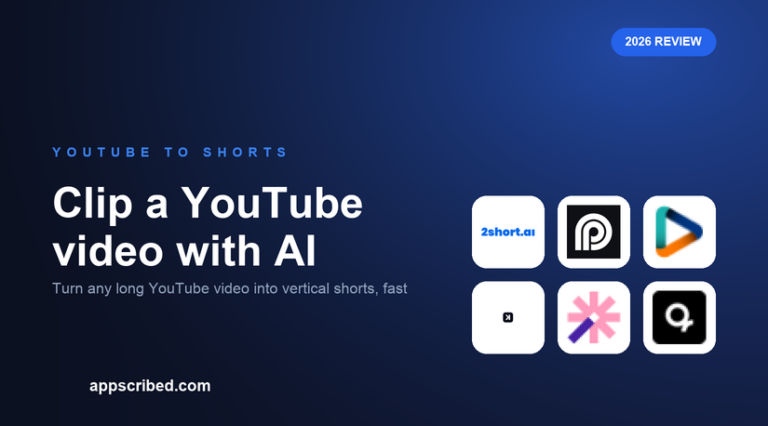
Clipping a YouTube video into shorts used to mean hours in an editor. Now you paste the video’s URL into an AI clipper and it does the work: finds the highlights, crops to vertical, adds captions and hands you ready-to-post clips. Here is how to do it, and the best tools for the job.
The process is the same across tools, so the choice comes down to price, detection quality and whether you want extras like scheduling or translation.
The best tools to clip a YouTube video


How to clip a YouTube video with AI, step by step
First, copy the YouTube video’s URL. Second, paste it into your chosen tool – 2short, Reap, Opus Clip, Klap and Vizard all accept a YouTube or public URL directly, so you do not need to download the file. Third, let the AI analyse the video and suggest clips; most rank them by predicted virality. Fourth, tweak the reframe and captions if needed, then export or schedule.
The whole process takes minutes. If the tool cannot import from a URL, download the video first (respecting YouTube’s terms and the creator’s rights – clip your own videos, or content you have permission to use).
Free versus paid, and a rights note
For a free start, 2short.ai imports from a YouTube URL and exports un-watermarked, which is rare. Reap, Opus Clip, Klap and Vizard have free tiers too, though they watermark. For regular use, a cheap paid plan (Reap or 2short from around $9.90 to $9.99/mo) removes watermarks and lifts caps.
One important note: only clip videos you own or have permission to use. AI makes it easy to clip anyone’s YouTube video, but reposting someone else’s content without permission can breach copyright and platform rules. Clip your own long-form content, or licensed material.
Frequently asked questions
How do I clip a YouTube video with AI?
Copy the YouTube video URL, paste it into a tool like 2short, Reap or Opus Clip, and it detects the best moments, reframes them to vertical and adds captions. Then export or schedule the clips.
What is the best free way to clip a YouTube video?
2short.ai imports from a YouTube URL and exports without a watermark on its free tier, which makes it the best free option. Other tools have free tiers but watermark the output.
Can I clip any YouTube video?
Technically yes, but you should only clip videos you own or have permission to use. Reposting someone else’s content without permission can breach copyright and platform rules.
Do I need to download the YouTube video first?
Usually not. 2short, Reap, Opus Clip, Klap and Vizard import directly from a YouTube or public URL, so you paste the link rather than uploading a file.
Which AI clips YouTube videos best?
Opus Clip finds the best moments, Reap is the fastest all-rounder, and 2short is the cheapest. For multilingual output, Klap and Reap add translation and dubbing.
Related guides
Best AI clip generators, ranked · Best free AI clip generators · Best AI reels generators.
Add us as a preferred source on Google, and our reviews and picks show up in your Top Stories and AI Overviews.