




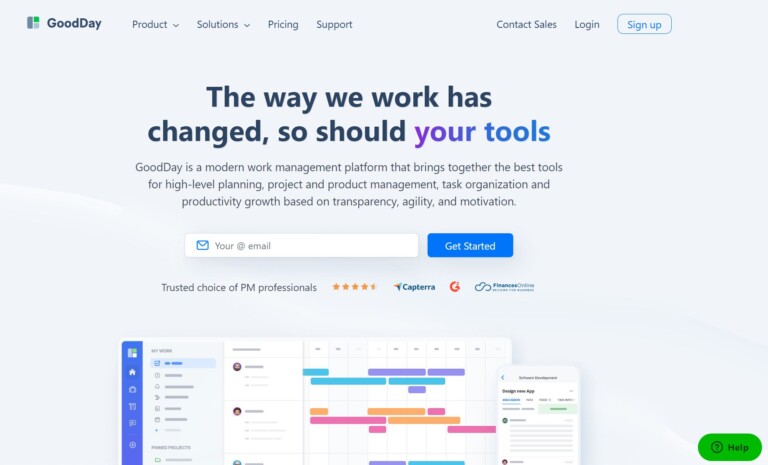
TLDR: GoodDay is a project management platform. It is well known for its advanced interface and robust customization. It got an App Score of 9/10 because we only faced difficulty during email integration otherwise its a great app.
GoodDay empowers teams to seamlessly manage tasks, projects, and workflows. It offers a range of features, from flexible task management and intuitive collaboration tools to customizable dashboards and real-time analytics to caters diverse work needs. The platform supports various project management methodologies, ensuring adaptability.
It simplifies process management, integrates with popular tools like Google Drive and Slack, and enhances productivity with features like recurring tasks and detailed time tracking. GoodDay Work is a comprehensive solution that promotes transparency and efficiency in work processes.
How to use GoodDay:
– Signup/login to youe GoodDay account
– Create a new project by providing essential details like project name, description, and team members
– Within the project, create tasks for different activities
– Assign tasks to team members and set due dates
– Use collaboration features such as discussions, comments, and notifications to communicate with team members
– Customize your workflows, statuses, and project types to align GoodDay with your work processes
– Integrate GoodDay with other tools your team uses, such as Google Drive, Slack, or email
– Download the GoodDay mobile app for on-the-go access and management.