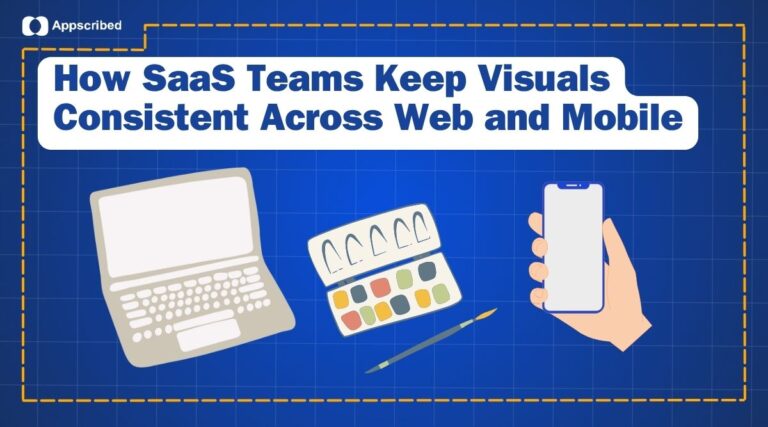
SaaS products move fast. New onboarding steps, empty states, dashboard screens, and mobile flows can appear in the middle of a sprint, long before a design team has time to craft custom visuals for everything. That creates a familiar problem: you need visuals that stay consistent across web, iOS, and Android, but you do not want to slow the release cycle waiting on one-off creative work.
That is why more teams are moving toward clip art libraries instead of treating every visual gap as a custom design request. A library gives product teams a style system, repeatable assets, and enough range to cover the screens that show up most often in real products.
Why SaaS teams need a faster visual system
SaaS design is unforgiving. Users expect trust, clarity, and consistency, especially when signups, permissions, workflows, and status states are involved. A mismatched visual style can make a product feel less credible even if the underlying product is strong.
The challenge is not only aesthetics. It is also operational. A six-month product cycle rarely leaves room for custom art every time a team ships a new state or feature. Product managers, designers, and developers need a way to keep the interface cohesive without turning every visual request into a separate project.
Off-the-shelf libraries vs freelance illustration
There are really three common options:
- Hire a freelance illustrator for every new asset.
- Reuse free assets from different sources and hope they look consistent.
- Standardize on a high-quality illustration library that already covers common product scenarios.
Freelance work gives you the most originality, but it also adds negotiation, back-and-forth, and delivery time. That is fine for brand campaigns or major launches. It is much harder to justify for the dozens of small visual gaps that show up in everyday product work.
Free asset packs solve the speed problem, but they often create a new issue: visual inconsistency. One empty state looks playful, another looks corporate, and a third looks like it came from a completely different product. That is a good way to make a polished SaaS app feel fragmented.
Libraries sit in the middle. They are not a replacement for custom illustration when you truly need it, but they are often the right option when the goal is speed, consistency, and production readiness.
Where illustration libraries help most
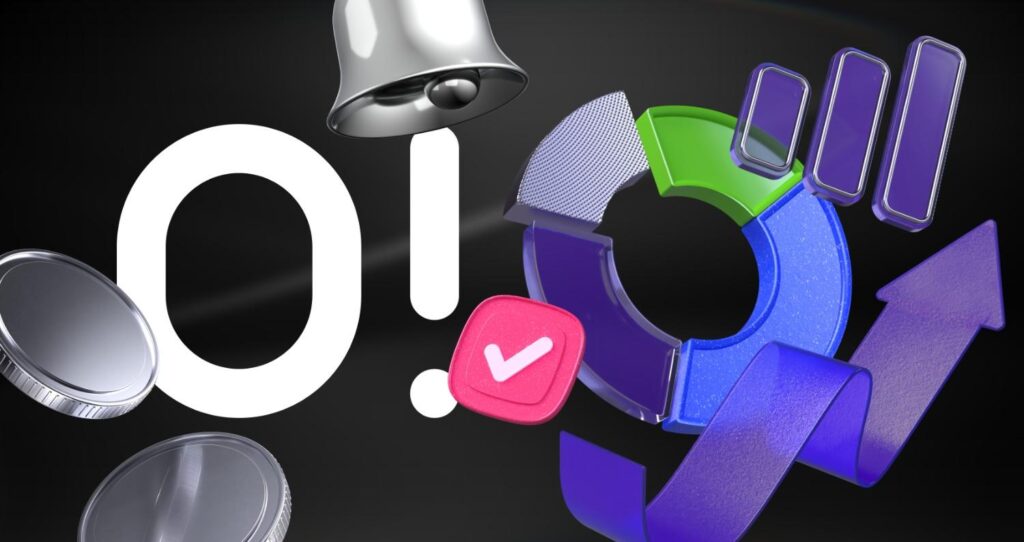
Illustration libraries are especially useful for the moments every product team needs repeatedly:
- Empty states
- Onboarding flows
- Security and verification steps
- Success and confirmation screens
- Loading and waiting states
- Error states
- Feature announcements
These are not one-off creative moments. They are recurring product needs. Once a team picks a consistent visual language, it becomes much easier to build a coherent experience across web and mobile without redesigning every screen from scratch.
That is where a clip art library fits into the workflow. It gives teams a reusable visual system, so they can keep the product consistent while still picking assets that fit a dashboard, an onboarding flow, or a modern SaaS interface.
What good cross-platform visuals should do
When a product ships across web, iOS, and Android, visuals cannot just look good in one layout. They need to hold up everywhere.
An illustration system for cross-platform product work should do a few things well:
- Look consistent across different screens and device sizes
- Export in formats that are easy for developers to use
- Fit both serious and friendly brand tones
- Support both static and animated states
- Let the team move quickly without rebuilding every asset
That matters in SaaS because the product often spans very different contexts. The same brand may need one set of visuals for onboarding, another for empty dashboards, and another for account status or workflow confirmations. If those assets do not feel related, the app starts to feel stitched together.
Why style consistency matters more than novelty
In most product teams, the problem is not finding one nice illustration. The problem is finding twenty nice illustrations that still look like they belong together.
That is the value of a library-first workflow. It gives design and product teams a shared style system they can reuse across the product, instead of mixing random visuals every time a new screen appears. It also makes life easier for developers, because the handoff is cleaner when the assets already come from the same visual family.
For SaaS, that consistency is not just cosmetic. It supports trust. When users see a coherent visual language from signup to account creation to workflow completion, the product feels more deliberate and more reliable.
Animated states can do more than static images
Static illustrations are useful, but they stop short when the product needs to show motion or status changes. Waiting for verification, processing an approval, or loading an activity history are all situations where motion helps users understand what is happening.
Pre-made animation formats can make a real difference here. Instead of commissioning custom motion design every time, teams can use lightweight assets that match the same illustration family as the rest of the product. That keeps the experience consistent and avoids the heavy file sizes and slow turnaround that often come with fully custom animation work.
When custom illustration still makes sense
This does not mean clip art libraries solve everything. They work best for common product moments, not highly specific brand stories or unusual product concepts.
If your product needs something highly original, deeply branded, or conceptually specific, freelance illustration may still be the right move. A library can give you speed and structure, but a custom asset can still be worth it when the topic is too specific for off-the-shelf visuals.
The practical rule is simple:
- Use a clip art library for recurring product states and common workflows.
- Use custom illustration for signature moments and deeply specific concepts.
That balance usually gives product teams a workable mix of speed and quality.
What to look for before choosing a library
Not every illustration library will be the right fit for a SaaS product. Before committing, it is worth checking a few things:
- Does the style match your product tone?
- Are there enough variations for onboarding, empty states, and success screens?
- Can the assets be exported in formats developers can actually use?
- Does the library support static and animated use cases?
- Is the style flexible enough for web and mobile?
Those questions matter because the wrong illustration system creates more work later. The best choice is not the one with the biggest catalog. It is the one that fits your product language and your release cadence.
A better workflow for product teams
The most effective teams usually do three things:
- Pick one visual family and stick to it.
- Use the library for repeated states, not just hero art.
- Keep custom illustration for only the moments that truly need it.
That approach gives teams more than speed alone. It gives them consistency. And in SaaS, consistency is often what makes a product feel trustworthy.
Final take
For SaaS teams, the question is rarely whether custom illustration is good. It is. The real question is whether every visual needs to be custom.
In most product workflows, the answer is no. An illustration library can cover the day-to-day product moments that matter most, keep the visual language consistent across platforms, and help teams ship faster without sacrificing polish.
Add us as a preferred source on Google, and our reviews and picks show up in your Top Stories and AI Overviews.