





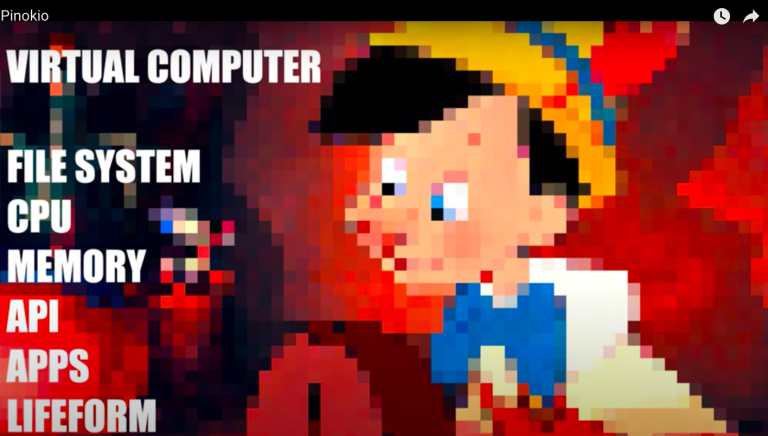
TL;DR: Pinokio AI is an AI tool that lets users install, run, and programmatically control any application using AI on their computer with a single click. Ideal for automating workflows and managing applications efficiently.
Pinokio is designed to automate the management and control of various applications on a computer. It enables users to install, run, and control applications programmatically, reducing manual effort and streamlining workflows. Pinokio supports a wide range of scripts shared by the community, allowing users to leverage existing solutions for different tasks. This tool is ideal for tech-savvy users and developers looking to automate repetitive tasks and manage applications efficiently.
Key Features of Pinokio AI
- One-Click Automation: Install, run, and control applications with a single click.
- Script Library: Access and use scripts shared by the community for various applications.
- Programmatic Control: Automate application management through scripting.
- Integration: Supports integration with numerous applications and tools.
- Community Support: Engage with a community of users to share and discover new scripts.
- Cross-Platform: Compatible with multiple operating systems.
How to Use Pinokio AI
- Install Pinokio: Download and install the Pinokio application on your computer from here.
- Browse Scripts: Explore and select scripts from the community library.
- Run Scripts: Execute scripts to automate application management tasks.
- Create Custom Scripts: Develop your own scripts to control specific applications.
- Share with Community: Contribute your scripts to the community library.
Key Use Cases for Pinokio AI
- Developers: Automate repetitive development tasks and manage development environments.
- IT Professionals: Streamline application deployment and management processes.
- Power Users: Enhance productivity by automating routine tasks and workflows.
- Tech Enthusiasts: Experiment with automation scripts and share solutions with the community.