
Running a 2-person IT team means every tool decision matters twice as much. When you’re managing 100+ employees with just two technicians, the right helpdesk ticketing system isn’t just software; it’s what determines whether you’re firefighting all day or actually improving your infrastructure.
After analyzing current platforms and their real-world performance with small IT teams, this guide breaks down exactly which helpdesk systems work best for 2-person teams and why.
You’ll get practical comparisons, real pricing, and specific scenarios to help you make the right choice.
Quick Comparison: Best Helpdesk Systems for Small IT Teams
| Platform | Best For | Starting Price | Free Tier | Setup Time | Key Strength |
|---|---|---|---|---|---|
| Jira Service Management | Tech-forward teams | $0 | Yes (3 agents) | 2-3 hours | Free forever plan + DevOps integration |
| Freshservice | Modern ITIL workflows | $19/agent/mo | 21-day trial | 1-2 hours | Mobile-first + AI automation |
| Zoho Desk | Budget + automation | $14/agent/mo | Yes (3 agents) | 1-2 hours | AI assistant at low cost |
| Desk365 | Microsoft 365 users | $12/agent/mo | 14-day trial | Under 1 hour | Deep Teams integration |
| HubSpot Service Hub | CRM integration | $15/agent/mo | Yes (2 agents) | Under 1 hour | Unified customer data |
Prices accurate as of December 2025. Most offer annual billing discounts.
What Makes a Helpdesk System Right for a 2-Person IT Team?
Before diving into specific platforms, you need to understand what actually matters when you’re operating with minimal redundancy.
Unlike larger IT departments with tiered support structures, a 2-person team handles everything from password resets to infrastructure projects.
The key insight is this: with only two people, you can’t afford a system that requires constant management. Your helpdesk needs to work as an automated force multiplier, not another tool that demands your attention.
The Five Critical Parameters for Small IT Teams

When I evaluated helpdesk systems specifically for 2-person teams, five parameters consistently determined success or failure.
These aren’t generic software evaluation criteria; they’re the specific factors that make or break operations when you’re running lean.
Parameter 1: Implementation Speed and Adoption Friction
Time-to-value matters more for small teams than large ones. Research shows that platforms like HubSpot offer fast and easy setup with no credit card required, along with user-friendly interfaces that require little to no training, which means you can be productive within hours instead of weeks.
The adoption friction extends to your end users. If employees find your ticketing system confusing, they’ll bypass it entirely.
They’ll catch you in the hallway or send direct emails. When that happens, you lose all visibility into workload, patterns, and performance metrics.
The best systems for small teams can be deployed in under a day and require minimal training for both technicians and end users.
This isn’t about cutting corners; it’s about recognizing that with a 2-person team, every hour spent configuring software is an hour you’re not responding to tickets.
Parameter 2: Intelligent Automation and AI Capabilities
Automation is how you scale beyond two people. Modern AI-powered helpdesk systems can reduce response times by 25% through automated classification, tagging, and routing of tickets based on content and priority, which directly multiplies your team’s capacity.
The specific automation features that matter most for small teams include automatic ticket routing based on skills or current workload, AI-driven categorization that sorts tickets without manual intervention, intelligent triage that identifies critical issues versus routine requests, and self-service deflection through knowledge base suggestions.
Platforms like Freshdesk use AI to automate repetitive tasks such as sorting and routing tickets, sending acknowledgment emails, and suggesting solutions to common problems.
This means routine requests get handled automatically while you focus on complex problems.
Parameter 3: Ecosystem Integration
Your helpdesk doesn’t exist in isolation. For small teams, seamless integration with existing tools dramatically affects adoption and efficiency. The most critical integration is usually your primary communication platform.
Research indicates that platforms with cloud-based systems and real-time collaboration features enable seamless communication, task allocation, and progress tracking, fostering collaboration even across different time zones.
When users can submit and track tickets inside Microsoft Teams or Slack, adoption becomes effortless because there’s no separate system to remember.
Beyond communication tools, integration with your identity provider (Azure AD, Okta, etc.) ensures user data stays synchronized automatically.
You’ll know immediately who someone reports to, what department they’re in, and what access they should have; eliminating time-wasting clarification on every ticket.
Parameter 4: Total Cost of Ownership
Budget constraints are real for small businesses, but the cheapest option rarely delivers the best value. You need to calculate total cost of ownership differently than you would for other software.
Current pricing shows Freshdesk’s paid plans start at $15 per agent per month and rise toward $79 per agent per month in enterprise tiers, while Zoho Desk offers pricing starting at $20 per agent per month for the Standard plan.
However, a free system that lacks automation could cost you more in labor hours than a $50/month platform that deflects 30% of your tickets automatically.
You also need to consider scalability. If your company grows from 100 to 300 employees, can your helpdesk system handle the increase without forcing a painful migration?
Starting with a scalable platform, even at slightly higher cost, often saves money long-term.
Parameter 5: Security and Compliance
Your helpdesk stores sensitive employee data, making security non-negotiable. At minimum, you need single sign-on (SSO) so authentication happens through your corporate identity provider, role-based access control (RBAC) to restrict who sees sensitive tickets, and audit logs that track all system activities and changes.
Depending on your industry and location, compliance requirements may affect your choice. If you operate in Europe or serve European customers, GDPR compliance is mandatory.
For healthcare organizations in the US, HIPAA compliance is required. Platforms like HappyFox adopt industry-accepted security and privacy frameworks with GDPR, HIPAA, SOC 2 Type II, and CCPA certifications.
Detailed Platform Analysis: What Actually Works
Based on these parameters and hands-on evaluation, several platforms consistently deliver for 2-person IT teams. The right choice depends on your existing ecosystem and which parameters matter most to your situation.
Best for Microsoft 365 Environments: Desk365
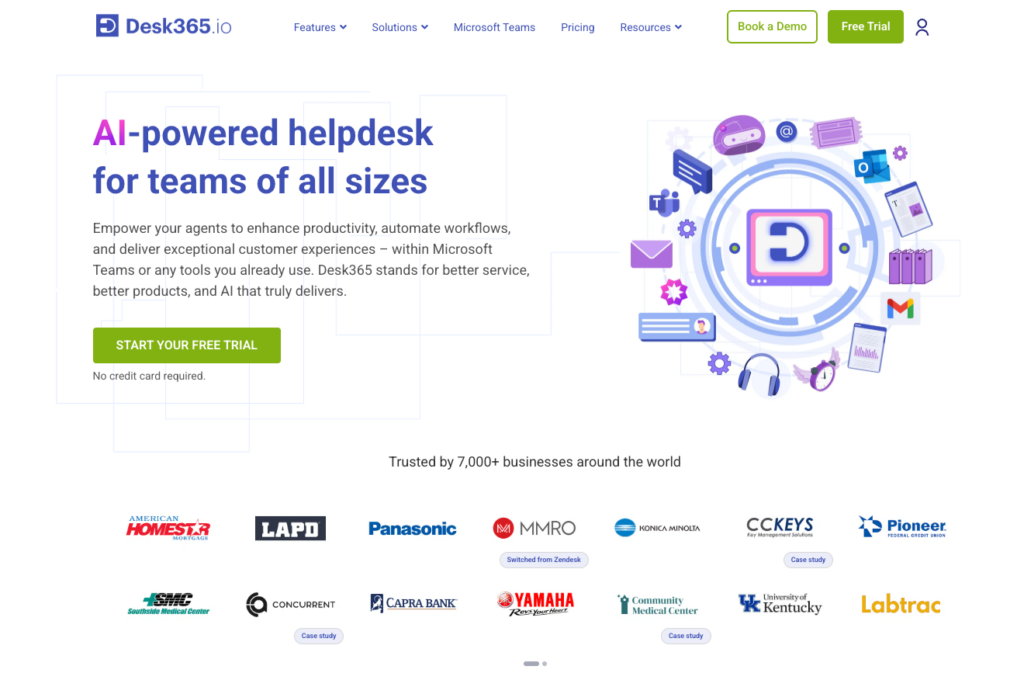
Pricing: Starting at $12 per agent per month
Free Tier: 14-day trial
Setup Time: Under 1 hour
Desk365 integrates directly into Microsoft Teams and allow users to submit tickets, check status, and receive updates without leaving the chat interface.
This deep integration eliminates the adoption problem almost entirely because there’s nothing new for employees to learn.
Pros:
- Native Microsoft Teams integration eliminates user friction
- Azure AD synchronization keeps user data current automatically
- Fast implementation with minimal configuration required
- Built-in support for Microsoft SSO and MFA
Cons:
- Less valuable if your organization doesn’t use Microsoft 365
- Smaller user community compared to larger platforms
- Limited third-party integrations outside Microsoft ecosystem
Best for: Organizations running on Microsoft 365 where Teams is the primary communication platform. The integration value alone justifies the investment for these environments.
Best for Modern ITIL Workflows: Freshservice
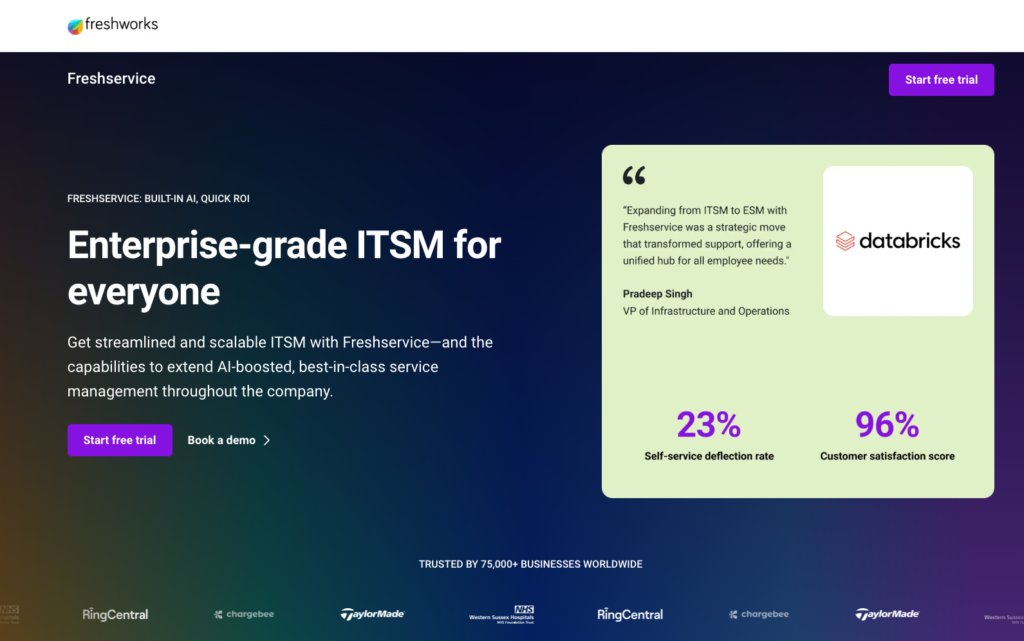
Pricing: Starting at $19 per agent per month
Free Tier: 21-day trial (no credit card required)
Setup Time: 1-2 hours
Freshservice is specifically designed for internal IT service management and aligns with ITIL frameworks while maintaining an intuitive interface.
The platform offers excellent mobile apps, which matters tremendously for 2-person teams where technicians need to work on-site or provide coverage remotely.
Pros:
- Intuitive interface allows productivity within hours of setup
- Strong mobile apps enable ticket management from anywhere
- Freddy AI assistant automates categorization and suggests responses
- Comprehensive ITIL-aligned features for growing teams
- Good selection of integrations with business tools
Cons:
- Pricing increases significantly at higher tiers
- Some advanced features locked behind enterprise plans
- Can be overwhelming if you only need basic ticketing
Best for: Teams that want professional IT service management without complexity. Particularly valuable if you anticipate growth and want a platform that scales with ITIL best practices.
Best for Budget-Conscious Teams: Jira Service Management

Pricing: $0 for up to 3 agents, then $20/agent/month
Free Tier: Yes, permanently free for 3 agents
Setup Time: 2-3 hours (requires more initial configuration)
Jira Service Management offers something remarkable: a completely free tier that includes enterprise-grade incident and request management for up to three agents. This removes cost as a consideration entirely for small teams.
Pros:
- Completely free for teams up to 3 agents (no trial expiration)
- Natural integration with development tools if you use Atlassian products
- Powerful automation and workflow capabilities
- Strong community and extensive documentation
Cons:
- Steeper learning curve than competitors
- Interface can feel complex for non-technical users
- Requires more initial configuration to optimize for your needs
Best for: Technical teams already using Atlassian products or organizations operating on tight budgets. The free tier makes it an exceptional value for 2-person teams, especially in tech-forward environments.
Even if you are planning to use AI in your ITSM, then you must know what is hype and what is actually deployable in ITSM before making any buying decision.
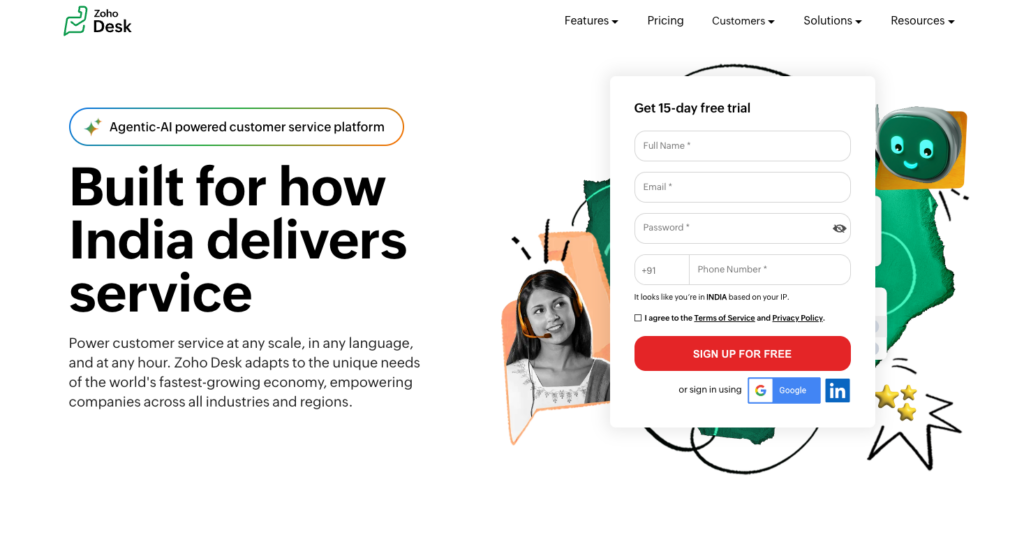
Best for Automation on a Budget: Zoho Desk
Pricing: Starting at $14 per agent per month
Free Tier: Yes, for up to 3 agents with basic features
Setup Time: 1-2 hours
Zoho Desk delivers sophisticated automation and AI capabilities at price points that work for small budgets.
Zoho Desk’s Zia AI assistant reads incoming tickets, understands tone and urgency, suggests tags, and drafts replies, while also enabling creation of help centers and self-service options.
Pros:
- Zia AI assistant provides intelligence at low price point
- Free tier for 3 agents with reasonable feature set
- Strong automation including round-robin assignment
- Scales well with affordable upgrade paths
Cons:
- Interface feels less modern than competitors
- Integration ecosystem smaller than Freshservice or Zendesk
- Some users report occasional performance issues
Best for: Teams that need serious automation capabilities but have limited budgets. Excellent choice when you want AI-powered features without enterprise pricing.
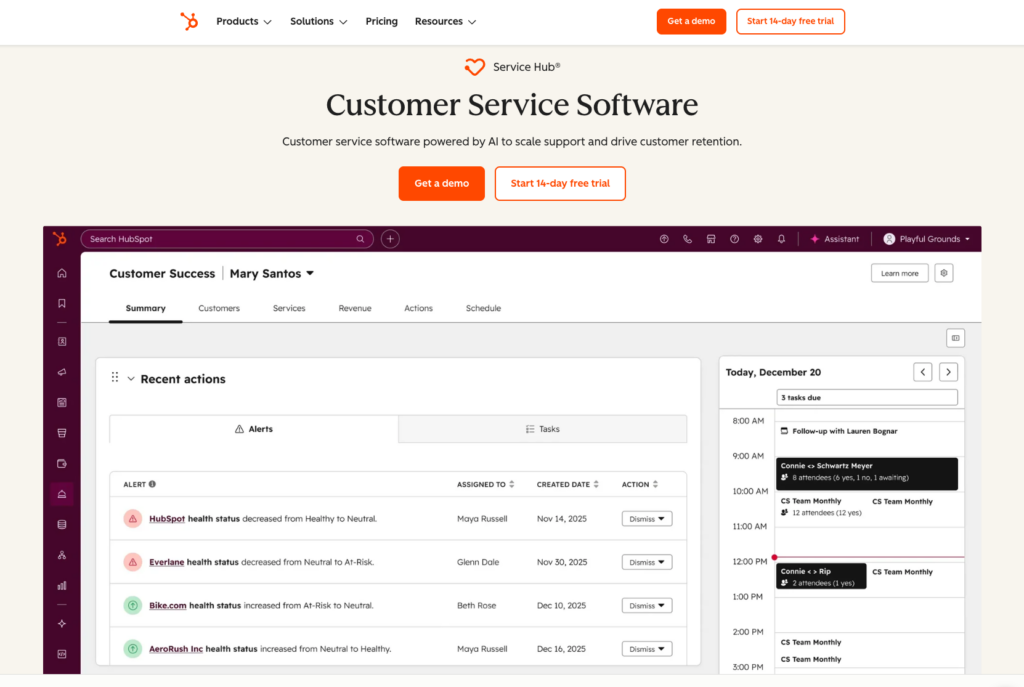
Best for CRM Integration: HubSpot Service Hub
Pricing: Starting at $15 per agent per month
Free Tier: Yes, for up to 2 agents
Setup Time: Under 1 hour
If your organization uses HubSpot CRM or values unified customer/employee data, HubSpot Service Hub provides seamless integration across your business systems.
The platform emphasizes ease of use and fast, easy setup with no credit card required and a user-friendly interface that requires little to no training.
Pros:
- Extremely fast setup and intuitive interface
- Free tier for 2 agents with core features
- Unified data if you use HubSpot for CRM or marketing
- Strong automation without complexity
Cons:
- Less IT-specific features compared to Freshservice or Jira
- Better suited for customer support than internal IT
- Can become expensive as you add advanced features
Best for: Organizations already using HubSpot or small businesses that want a unified platform for customer service and internal IT support.
Also read: 10 Best Employee Training Software Solutions for 2026
Practical Scenarios: Handling Real Challenges with 2 People
Beyond selecting the right platform, you need strategies for the scenarios that will test your small team. Two challenges consistently emerge: managing ticket surges and preserving institutional knowledge.
Strategy 1: Managing Ticket Surges Without Drowning
A ticket surge happens when something breaks for multiple people simultaneously. Network outages, failed software updates, and security incidents can generate 50+ tickets within an hour.
With just two people, this kind of surge becomes overwhelming fast.
The solution is abandoning first-in-first-out response models. Modern platforms allow priority-based routing combined with skill-based routing and enable automated decisions about ticket assignments that consider both urgency and technician expertise.
Implement a tiered prioritization framework. Critical issues affecting the entire organization or posing security risks get 15-30 minute response targets.
High-priority issues preventing one person’s work get 2-4 hour targets. Routine requests can have next-business-day targets. This framework manages expectations and ensures you address business impact rather than whoever complained first.
During surges, communicate proactively. If 50 people suddenly can’t access email, send a company-wide announcement acknowledging the issue with a time estimate.
This prevents 45 additional tickets from people wondering if you know about the problem.
Strategy 2: Building Institutional Knowledge That Survives Turnover
In a 2-person team, institutional knowledge is critical. If one person leaves, half your organizational knowledge disappears. This makes documentation not just good practice but essential for survival.
Your helpdesk system needs strong knowledge base capabilities, and you need discipline about using them. The rule should be simple: when you solve the same problem twice, it gets documented.
Research shows that integrated self-service options with well-maintained knowledge base resources empower end-users to resolve their own problems whenever possible.
Good documentation doesn’t need perfection; it needs accuracy and findability. Write knowledge base articles the way you’d explain something to a colleague, not like a technical manual.
Include screenshots when they help. Explain why something works, not just which buttons to click.
The secondary benefit of a strong knowledge base is ticket deflection. When users can solve their own problems, they become more self-sufficient and your workload decreases.
This creates a positive cycle: automation and self-service reduce tickets, freeing time to build better documentation, which further reduces future tickets.
Making Your Final Decision
The right helpdesk system depends on your specific situation, but a clear decision framework helps. Consider these questions:
Do you use Microsoft 365 heavily? If yes, Desk365’s Teams integration will likely deliver more value than any other single feature. The friction reduction alone justifies the investment.
Do you need ITIL-aligned workflows? If you want professional service management that can grow with your organization, Freshservice provides the best balance of capability and usability.
Are you working with a tight budget? If cost is your primary constraint, Jira Service Management’s free tier for 3 agents is unbeatable value, especially if you have technical users.
Do you need maximum automation at minimum cost? If you want AI capabilities without enterprise pricing, Zoho Desk delivers sophisticated automation features at accessible price points.
Do you use HubSpot for other business functions? If you already have HubSpot CRM or marketing tools, Service Hub provides unified data and workflows that create additional value.
All these platforms offer free trials. Take advantage of them. Set up the system, import real users, create test tickets, and experience what it actually feels like to work in that environment.
Pay attention to what frustrates you and what makes you more efficient. The best helpdesk system is the one you’ll actually use consistently; and that your users will actually adopt; not necessarily the one with the longest feature list.
Frequently Asked Questions
What features matter most for a 2-person IT team?
For small IT teams, automation features matter more than advanced functionality. Look for automatic ticket routing, AI-powered categorization, self-service knowledge bases, and integration with your communication tools. These features multiply your capacity without adding headcount.
How much should a small IT team spend on helpdesk software?
Expect to spend $0-40 per agent per month depending on your needs. Jira Service Management offers a free tier that works well for budget-conscious teams.
Most paid platforms range from $15-30 per agent monthly for plans suitable to small teams. Calculate total cost of ownership including time saved through automation, not just the subscription price.
Can a 2-person team really use enterprise helpdesk systems?
Systems like ServiceNow or BMC Remedy are typically overkill for 2-person teams. They require dedicated administrators and extensive configuration.
Stick with platforms designed for small to mid-sized teams like Freshservice, Zoho Desk, or Jira Service Management that provide power without complexity.
How long does it take to implement a helpdesk system?
For small teams, implementation should take hours, not weeks. Platforms like Desk365 and HubSpot can be running within an hour. Freshservice and Zoho Desk typically need 1-2 hours. Jira Service Management may require 2-3 hours of initial configuration. If a system requires weeks of setup, it’s wrong for your team size.
What’s the difference between customer service and IT helpdesk software?
While both handle tickets, IT helpdesk software includes features specific to internal support like asset management, integration with identity providers, infrastructure monitoring integration, and ITIL-aligned workflows. Platforms like Freshservice are built specifically for IT teams, while tools like Freshdesk focus on customer support.
Should we use a free helpdesk or pay for software?
Free tiers work well if they include the features you need. Jira Service Management’s free plan for 3 agents and Zoho Desk’s free tier for 3 agents both provide legitimate value. However, if you’re spending extra hours weekly on tasks that paid automation could handle, you’re paying for that “free” software with your labor. Calculate the true cost including your time.
How do we prevent users from bypassing the ticketing system?
Integration is key. If your helpdesk integrates with Teams or Slack, users can submit tickets without leaving their communication tool. This eliminates the “I’ll just send an email” problem. Also ensure your system is actually easier than emailing you directly; if it’s complicated, people will bypass it no matter what policy you set.
What metrics should a 2-person IT team track?
Focus on first response time (how quickly you acknowledge tickets), mean time to resolution (average time to close tickets), ticket backlog trend (whether open tickets are growing), and user satisfaction scores. These metrics help you demonstrate workload when you need to justify additional resources or equipment budgets.
Conclusion: Choose Based on Your Ecosystem
The best helpdesk ticketing system for your 2-person IT team depends primarily on your existing technology ecosystem and where you need the most help. There’s no universal “best” choice, but there is a best choice for your specific situation.
If you’re Microsoft-centric, Desk365’s Teams integration creates instant value. If you need modern ITIL with room to grow, Freshservice balances capability and usability.
If budget is tight or you’re technically oriented, Jira Service Management’s free tier is unbeatable. If you want automation without high costs, Zoho Desk delivers sophisticated AI at accessible prices.
What matters most is choosing a platform that creates a positive cycle: automation reduces your ticket load, freed time goes into better documentation and infrastructure, which further reduces future tickets.
The system that enables this cycle; rather than just recording problems is the one that will let your 2-person team perform like a much larger department.
Start with a free trial, test it with real scenarios, and trust your instincts about whether the tool helps or hinders your daily work. The right decision transforms your team from constantly reactive to genuinely strategic.