

Teachers are juggling more tasks than ever before, with many classrooms having too few teachers for too many students. Imagine handling lesson planning, grading, and managing classroom behavior all at once. It’s no wonder that burnout rates are high.
But what if AI tools for teachers could make your job easier and more efficient? From lesson planning to student engagement, AI can transform a teacher’s day to day tasks, giving them more time to focus on what truly matters: teaching and inspiring your students.
Top AI Tools for Teachers
A typical teacher’s day involves a variety of activities:
- Lesson Planning: Creating detailed lesson plans that align with educational standards and meet the diverse needs of students.
- Creating Presentations and Learning Materials: Designing engaging and informative presentations and resources to enhance the learning experience.
- Classroom Management: Maintaining order in the classroom, managing student behavior, and fostering a positive learning environment.
- Grading and Providing Feedback: Assessing student work, providing constructive feedback, and tracking student progress.
- Student Assessment: Developing and administering quizzes, tests, and other forms of assessment to evaluate student learning.
- Student Engagement and Interaction: Encouraging student participation and fostering an interactive learning environment.
- Communication and Collaboration: Communicating with students, parents, and colleagues, and collaborating on educational projects.
- Writing and Language Support: Assisting students with writing and language skills, ensuring clear and effective communication.
Each of these tasks can be streamlined with the help of AI tools, enhancing efficiency and effectiveness.
AI Tools for Lesson Planning
Lesson planning is a crucial part of a teacher’s daily routine. It involves creating detailed plans that align with educational standards and cater to the diverse needs of students. AI tools can simplify this process by providing templates, generating ideas, and organizing plans efficiently. These tools help teachers save time, stay organized, and deliver high-quality lessons consistently.
1. Magic School
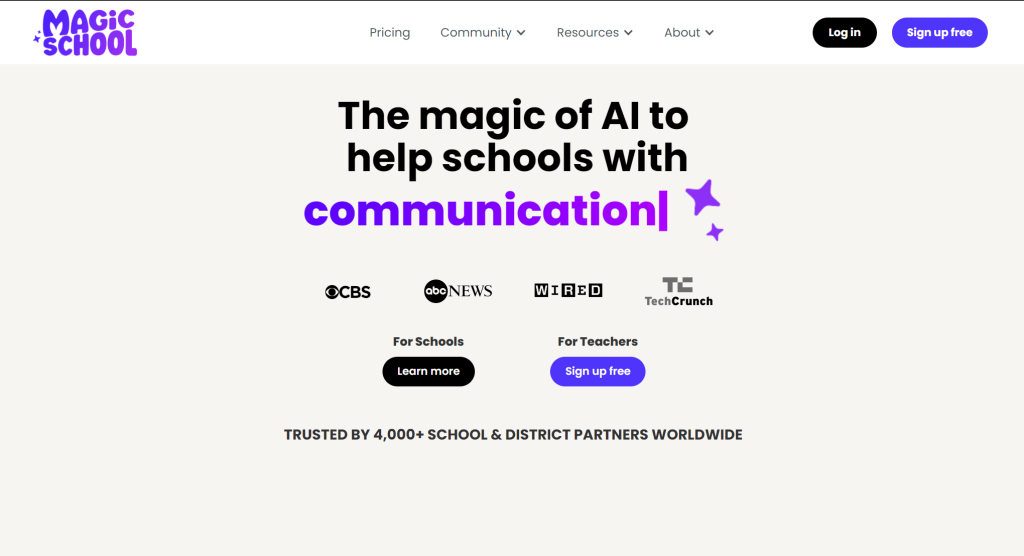
Magic School offers a suite of AI tools tailored for teachers to help with lesson planning, quiz generation, and worksheet creation. It’s a comprehensive platform designed to save teachers time and improve lesson quality.
- Features: Generates quizzes, creates worksheets, develops detailed lesson plans.
- Pricing: Free trial available, premium features starting at $12.99/month.
- Link: https://www.magicschool.ai
2. Curipod
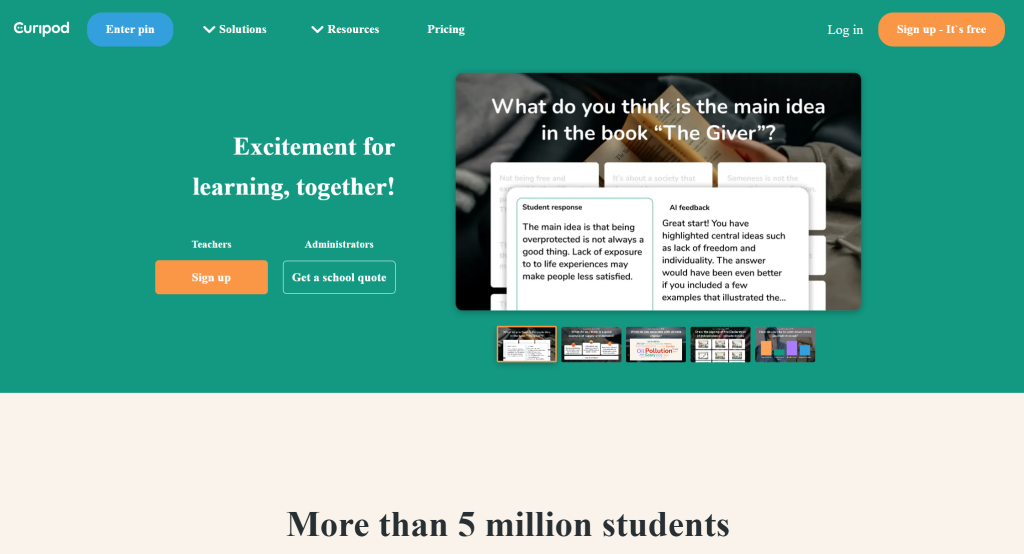
Curipod allows teachers to create engaging, inquiry-based lessons quickly. Its AI-driven platform provides customizable lesson structures that can be tailored to fit various educational needs.
- Features: Creates inquiry-based lessons, provides ready-to-use lesson structures.
- Pricing: Free version available, premium features for additional customization.
- Link: https://curipod.com
3. Lesson Up
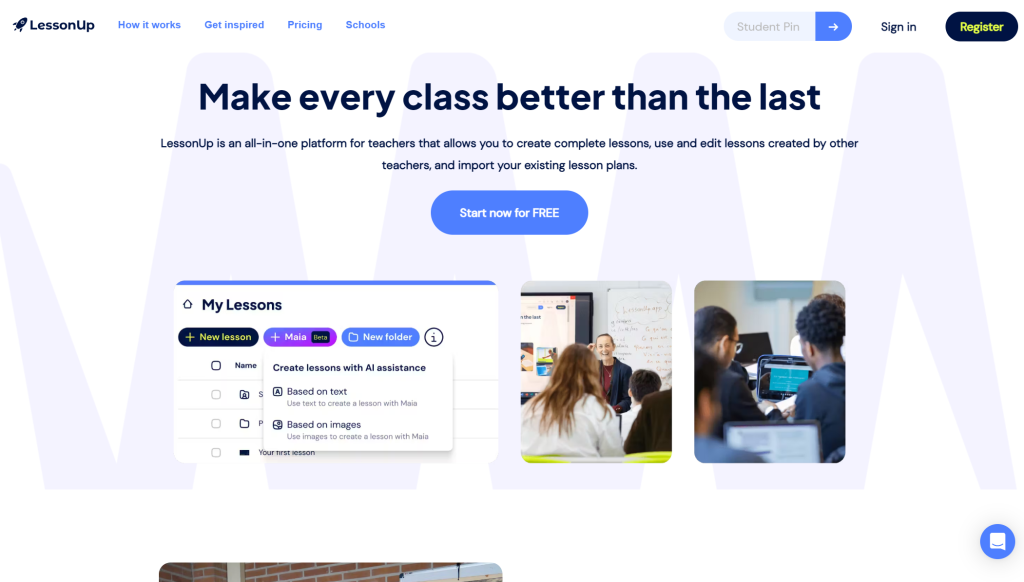
Lesson Up helps teachers design interactive lessons and track student engagement through detailed analytics. It supports diverse learning activities to keep students engaged and enhance their learning experience.
- Features: Interactive lesson creation, analytics on student engagement.
- Pricing: Free for basic features, premium plans available.
- Link: https://www.lessonup.com
AI Tools for Creating Presentations and Learning Materials
Creating engaging presentations and learning materials is crucial for effective teaching. AI tools can assist teachers in designing visually appealing and informative content quickly. These tools offer templates, design suggestions, and interactive elements that make the creation process efficient and the end product more engaging for students.
1. Slidesgo
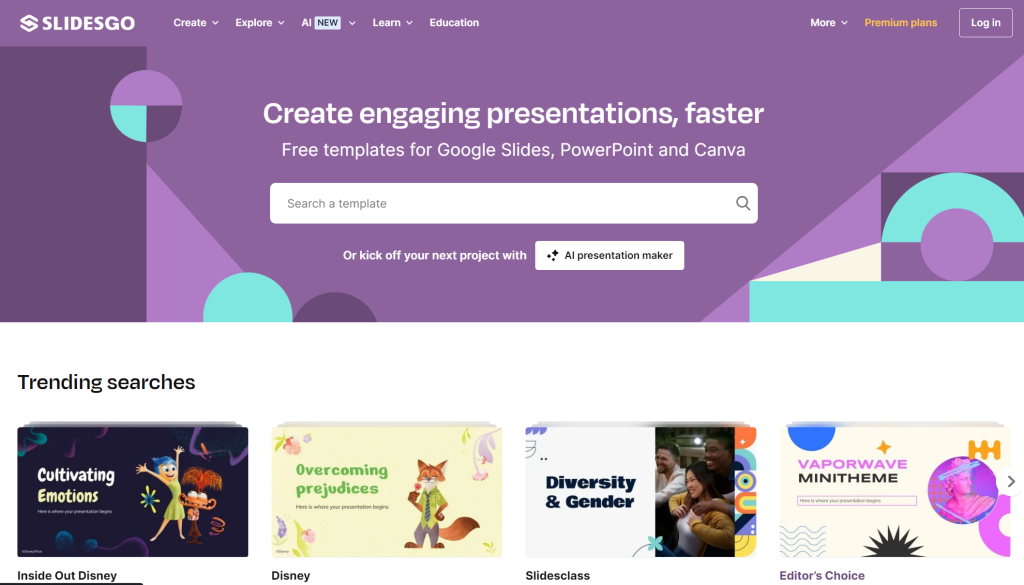
Slidesgo offers a vast library of free, professional-grade templates for Google Slides and PowerPoint, making it easy for teachers to create visually appealing presentations quickly.
- Features: Provides free templates for Google Slides and PowerPoint.
- Pricing: Completely free.
- Link: https://slidesgo.com
2. SlidesAI
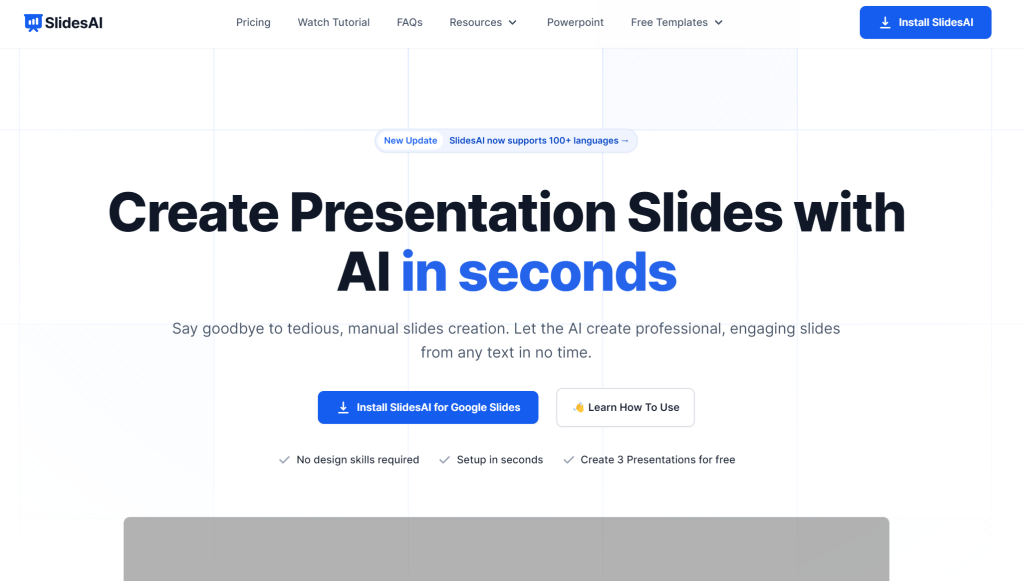
SlidesAI uses artificial intelligence to generate slide presentations from text inputs, helping teachers save time on design and focus more on content delivery.
- Features: AI-generated slide presentations, suggests images and layouts.
- Pricing: Free with limited features, premium plans available.
- Link: SlidesAI
3. Canva
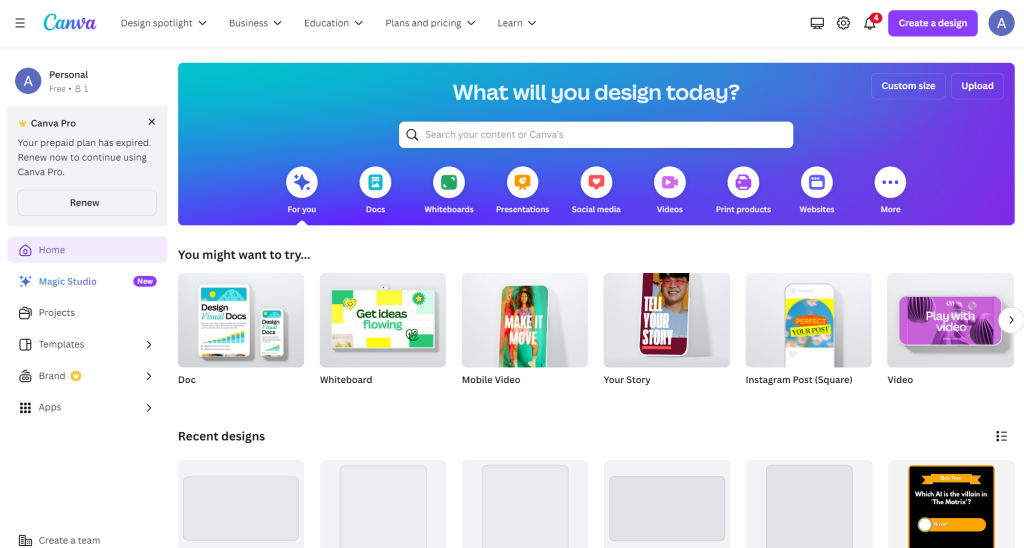
Canva is a versatile design tool with a drag-and-drop interface, offering a wide range of templates for presentations, infographics, and more, perfect for creating engaging educational materials.
- Features: Drag-and-drop design tool, extensive library of templates.
- Pricing: Free version available, premium subscription for additional features.
- Link: https://www.canva.com
4. Genially

Genially allows teachers to create interactive visual content, including presentations and infographics, making learning materials more engaging and interactive.
- Features: Interactive visual content creation, including presentations and infographics.
- Pricing: Free for basic features, premium plans for advanced options.
- Link: https://www.genial.ly
AI Tools for Classroom Management
Classroom management is essential for creating a conducive learning environment. AI tools can help teachers monitor student behavior, communicate with parents, and keep track of classroom activities efficiently. These tools support positive behavior reinforcement and foster a collaborative classroom atmosphere.
1. ClassDojo
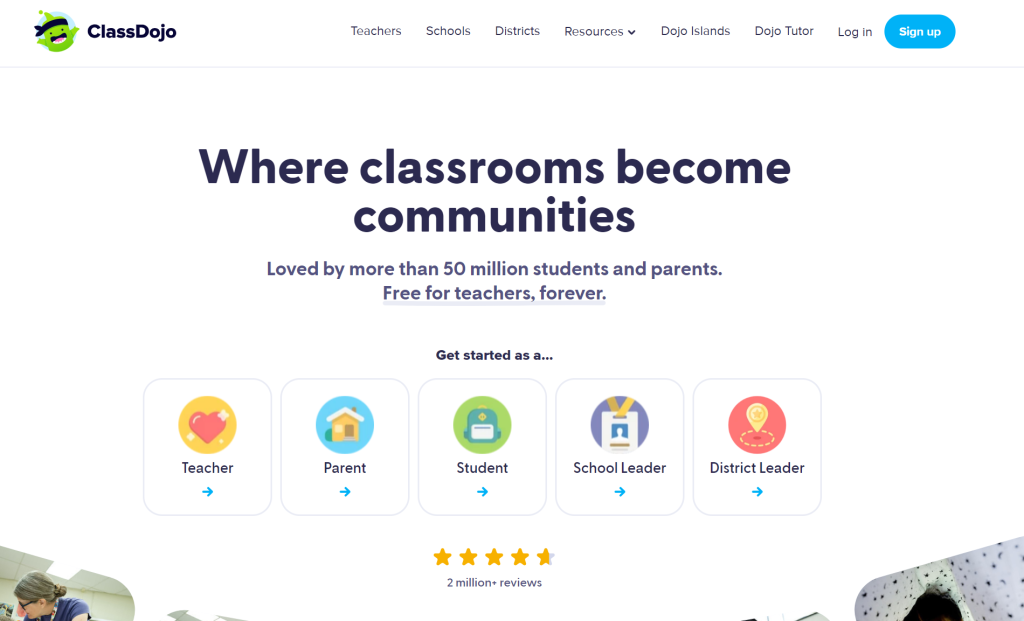
ClassDojo helps teachers manage classroom behavior, communicate with parents, and share classroom moments. It supports positive behavior reinforcement and builds a community atmosphere within the classroom.
- Features: Behavior tracking, parent communication, student portfolios.
- Pricing: Free.
- Link: https://www.classdojo.com
2. Remind
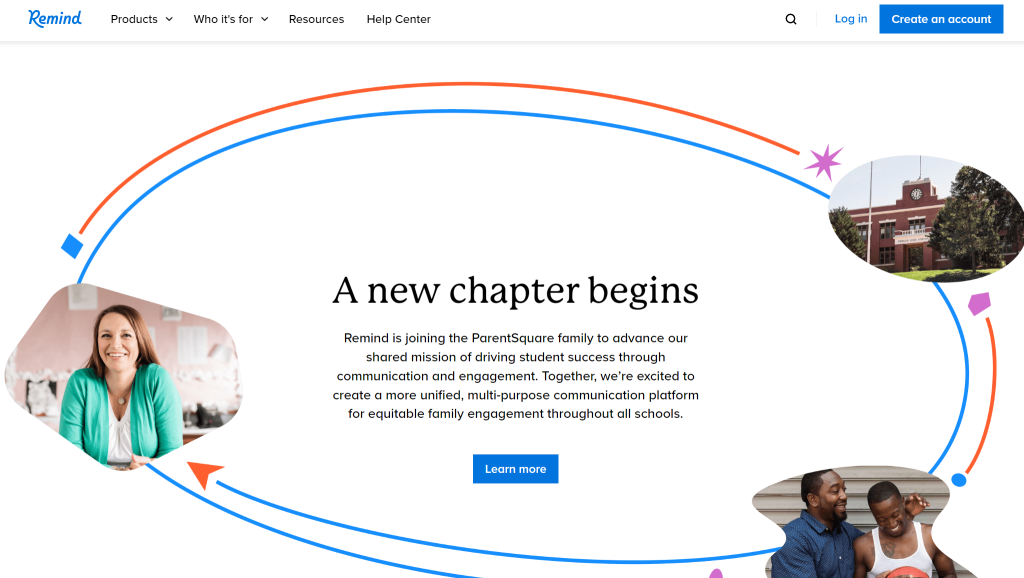
Remind is a communication tool that facilitates instant messaging between teachers, students, and parents. It supports reminders, announcements, and two-way communication, ensuring everyone stays informed and connected.
- Features: Instant messaging, reminders, and announcements.
- Pricing: Free for basic features, premium plans available.
- Link: https://www.remind.com
AI Tools for Grading and Feedback
Grading and providing feedback are time-consuming but essential parts of a teacher’s responsibilities. AI tools can streamline these tasks by automating grading processes, providing detailed analytics, and offering constructive feedback. These tools help teachers save time and ensure consistent and objective grading.
1. EssayGrader.ai
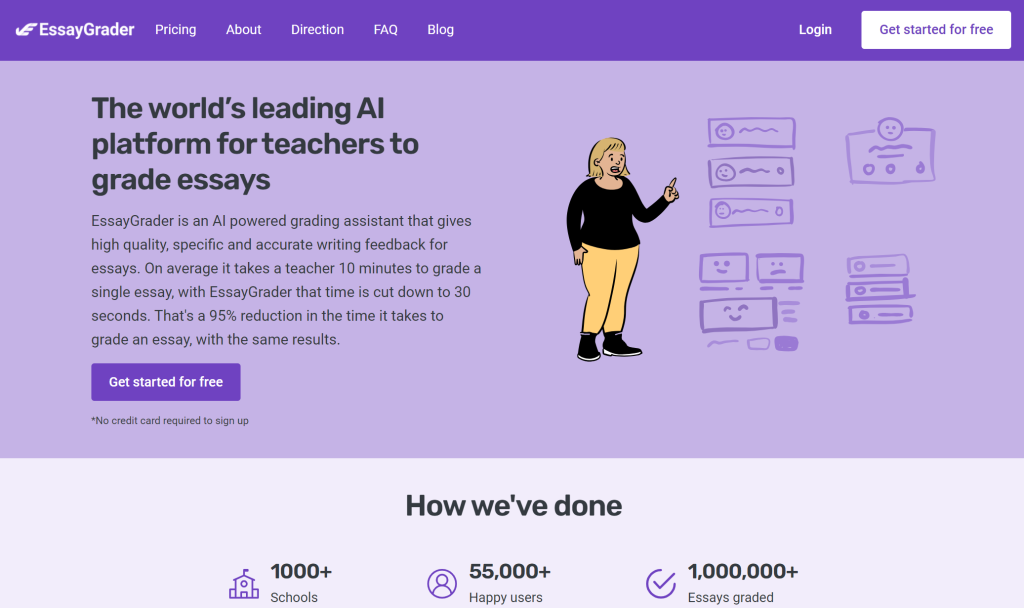
- Brief: EssayGrader.ai automates essay grading by providing detailed feedback reports based on rubrics. It highlights grammar, spelling, and punctuation errors, making the grading process faster and more consistent.
- Features: Automated essay grading, detailed feedback reports.
- Pricing: Free version available, premium plans for advanced features.
- Link: https://essaygrader.ai
2. Gradescope
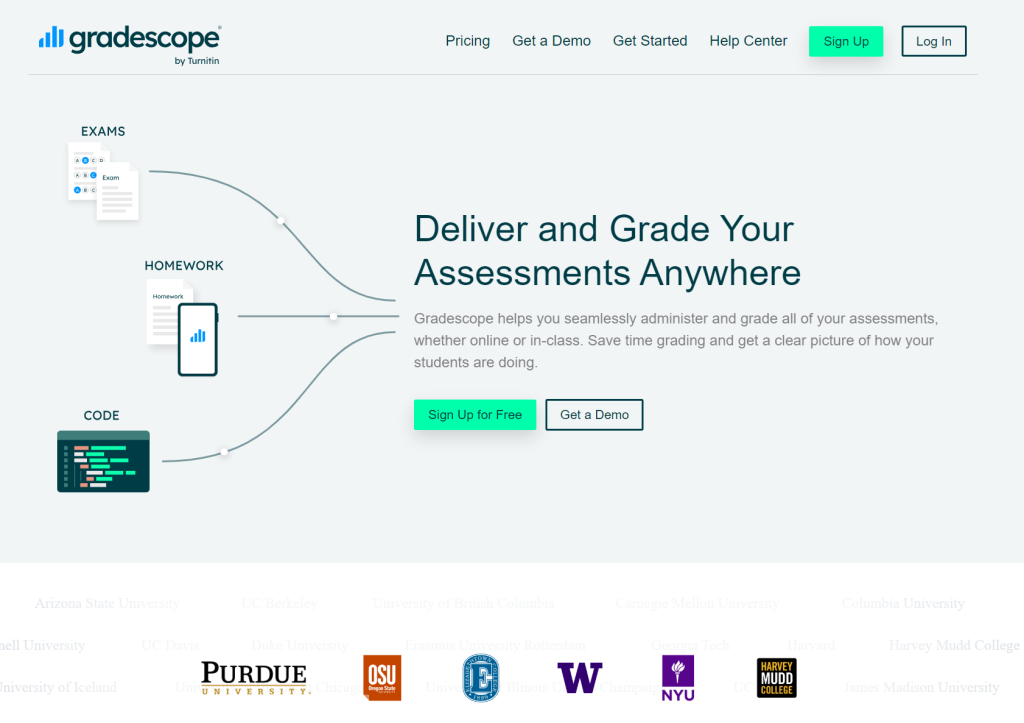
Gradescope streamlines the grading process for assignments and exams. It offers detailed analytics and feedback, helping teachers save time and understand student performance better.
- Features: Grading assignments and exams, detailed analytics.
- Pricing: Free for individual teachers, institutional plans available.
- Link: https://www.gradescope.com
3. Turnitin

Turnitin is a widely used tool for plagiarism detection and providing detailed feedback on written assignments. It helps maintain academic integrity and supports effective learning through constructive feedback.
- Features: Plagiarism detection, grading and feedback tools.
- Pricing: Paid subscription required.
- Link: https://www.turnitin.com
4. Formative
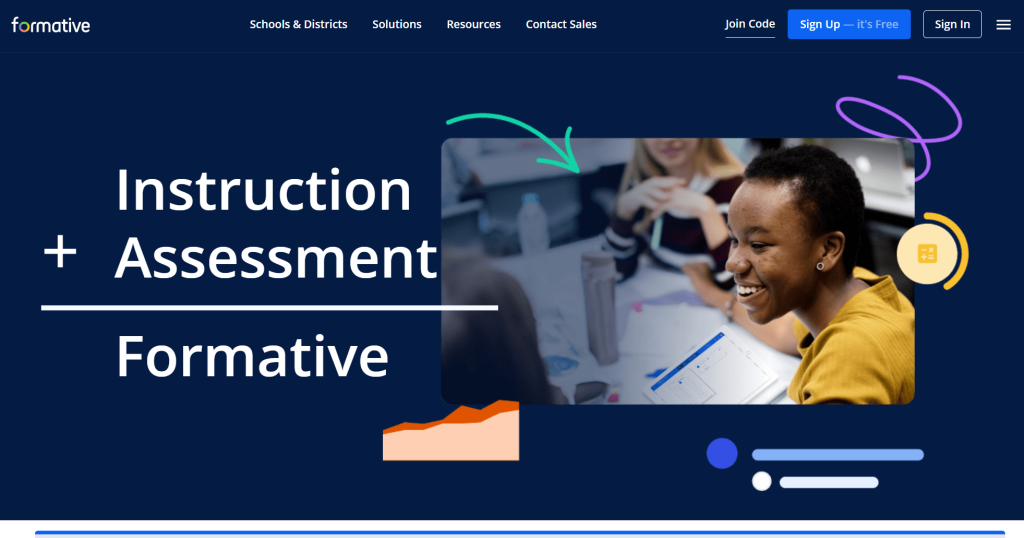
Formative allows teachers to create real-time formative assessments and provide immediate feedback. It supports various question types and integrates with learning management systems.
- Features: Real-time formative assessments, immediate feedback.
- Pricing: Free for basic features, premium plans available.
- Link: https://www.formative.com
Also Explore: Best AI Essay Graders in 2025
AI Tools for Student Assessment
Developing and administering assessments is crucial for evaluating student learning. AI tools can automate quiz creation, generate diverse question types, and provide real-time feedback. These tools help teachers assess student understanding more efficiently and accurately.
1. Yippity
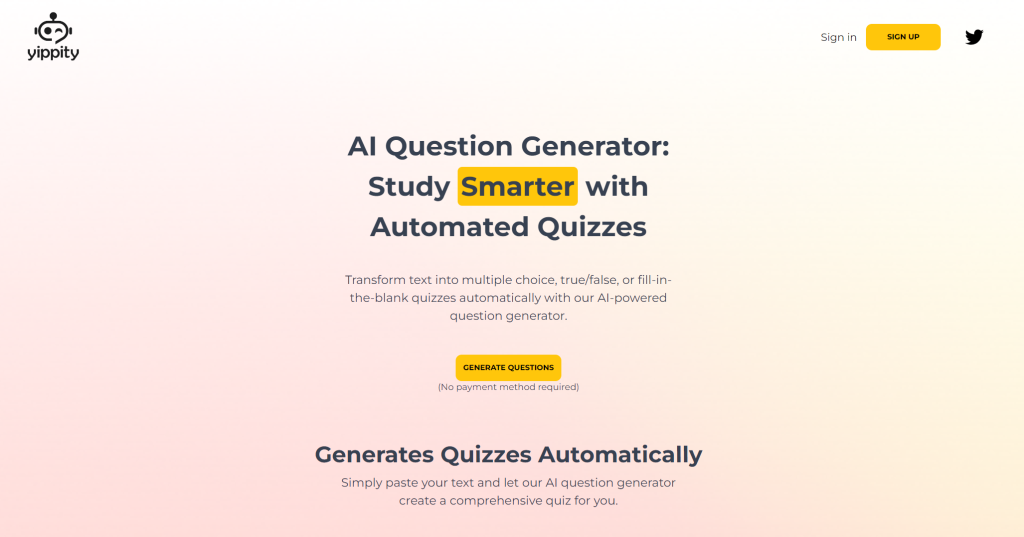
Yippity converts text or web content into quizzes automatically. Teachers can quickly generate quiz questions from their notes or online resources, streamlining the assessment creation process.
- Features: Converts text/web content into quizzes, easy sharing.
- Pricing: Free.
- Link: Yippity
2. PrepAI
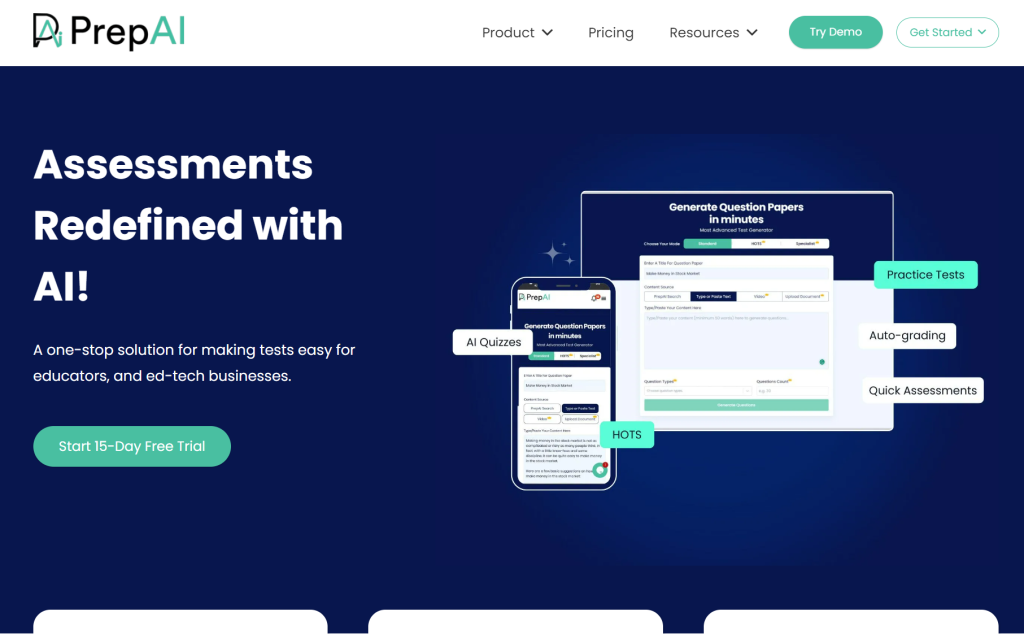
PrepAI generates a variety of question types from text or video sources, adjusting the difficulty level as needed. It helps teachers create comprehensive assessments quickly.
- Features: Generates questions from text or video, adjustable difficulty.
- Pricing: Free version available, premium plans for advanced features.
- Link: https://www.prepai.io
3. Quizizz
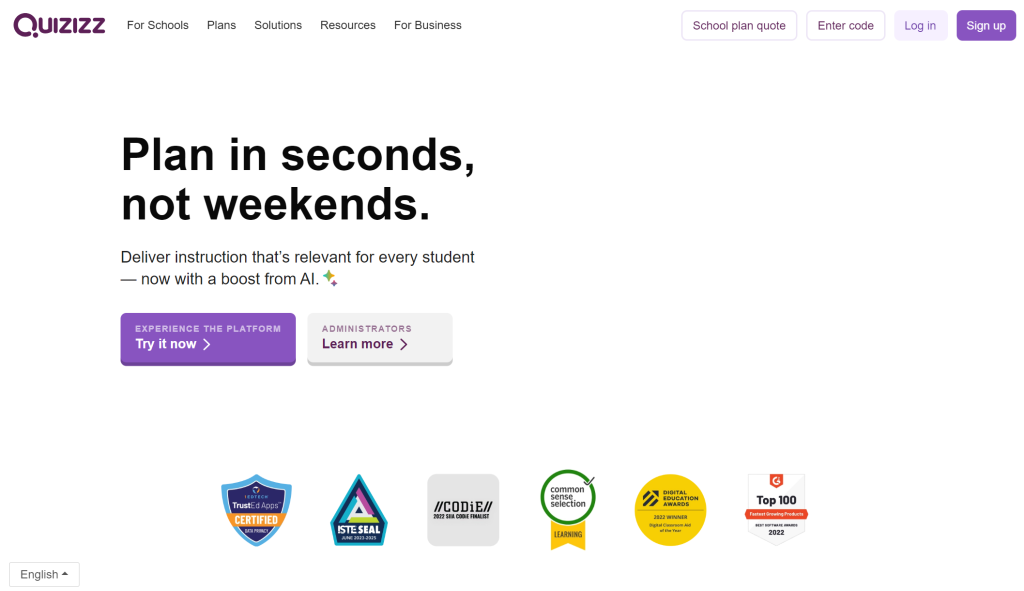
Quizizz is an interactive quiz platform that allows teachers to create and share quizzes with students. It provides real-time feedback and analytics, making it easy to monitor student progress.
- Features: Interactive quizzes, real-time feedback, analytics.
- Pricing: Free for basic features, premium plans available.
- Link: https://quizizz.com
4. Kahoot
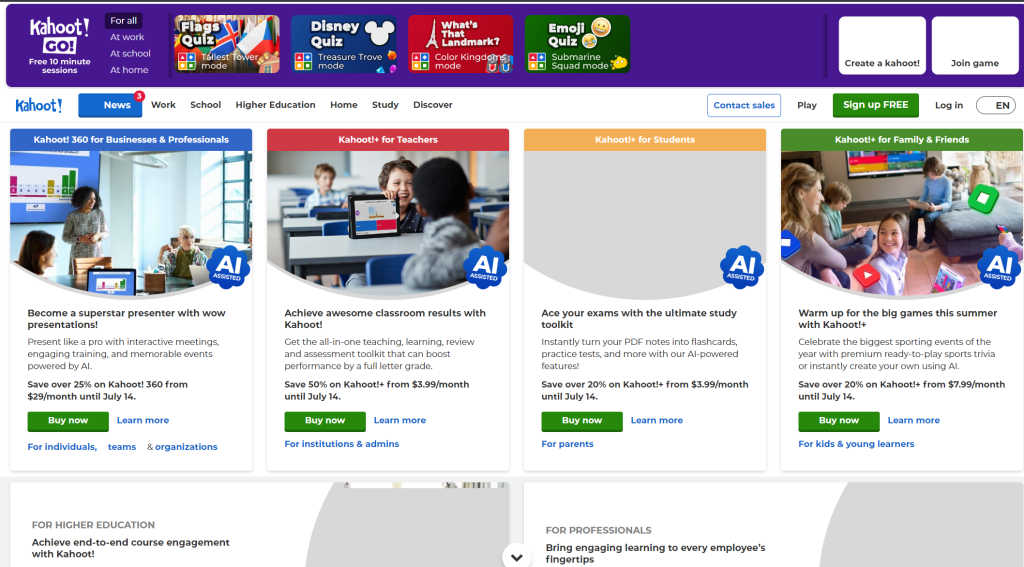
Kahoot is a game-based learning platform that enables teachers to create engaging quizzes and interactive lessons. It’s designed to make learning fun and interactive.
- Features: Game-based quizzes, interactive lessons, real-time feedback.
- Pricing: Free for basic use, premium plans available.
- Link: https://kahoot.com
AI Tools for Student Engagement and Interaction
Encouraging student participation is essential for effective teaching. AI tools can enhance student engagement through interactive discussions, games, and personalized learning experiences.
1. Quizlet

Quizlet helps students study more effectively by generating flashcards and other review materials automatically from their notes. It also offers interactive games and study modes to keep students engaged.
- Features: Flashcards, interactive games, study modes.
- Pricing: Free for basic features, premium plans available.
- Link: Quizlet
2. Nearpod
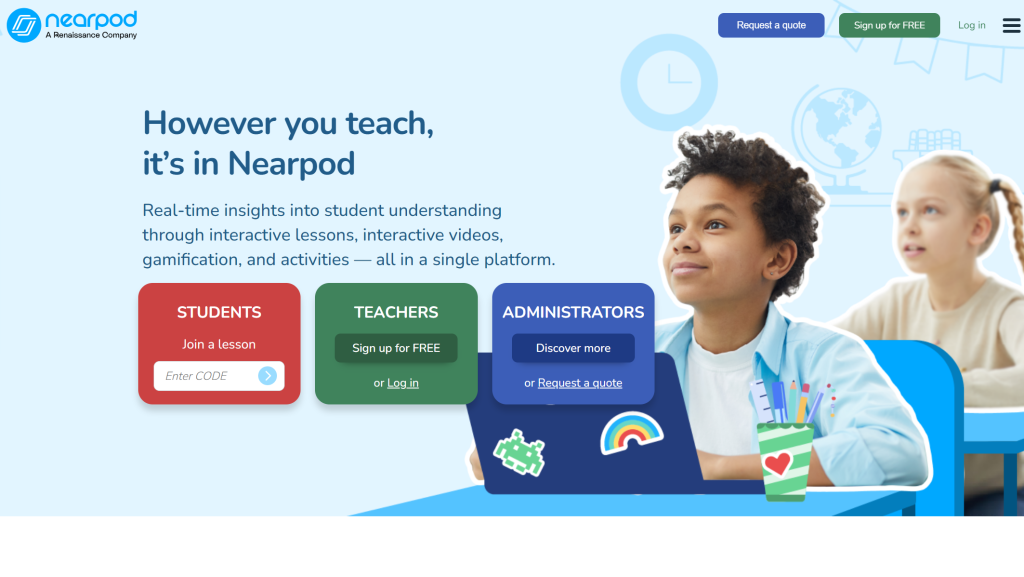
Nearpod offers interactive lessons, quizzes, and polls to engage students in real-time. It’s designed to enhance student participation and make learning more interactive and dynamic.
- Features: Interactive lessons, quizzes, polls, real-time engagement.
- Pricing: Free for basic use, premium plans available.
- Link: https://nearpod.com
3. Jotform AI Quiz Generator
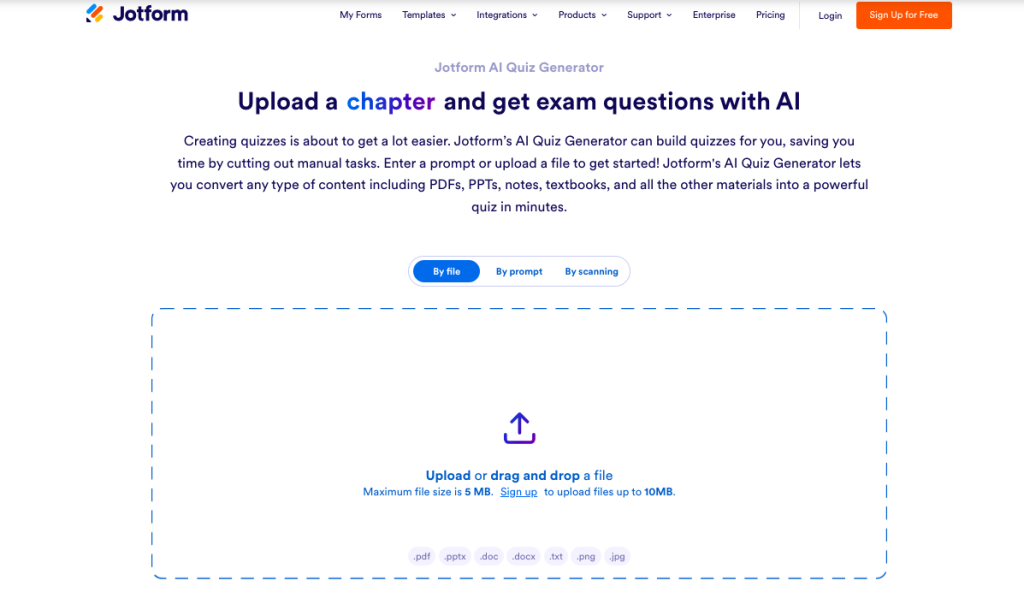
Jotform’s AI Quiz Generator simplifies the process of creating quizzes by using AI to generate questions from your content. It’s designed to save time and create engaging, customizable quizzes for education, training, or surveys.
Features: AI-powered question generation, customizable quiz templates, and integration with other Jotform tools.
Pricing: Free for basic use, premium plans available.
AI Tools for Communication and Collaboration
Effective communication and collaboration are vital in education. AI tools can facilitate real-time messaging, video conferencing, and collaborative project work, ensuring seamless interaction between teachers, students, and parents.
1. Google Classroom
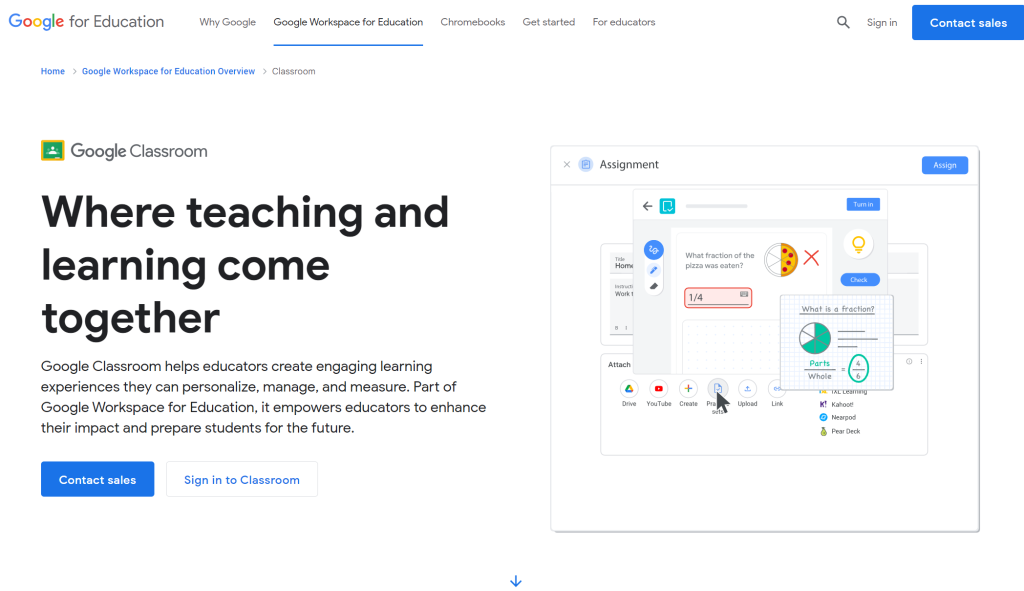
Google Classroom helps teachers manage assignments, communicate with students, and facilitate collaboration. It integrates with other Google tools, making it a comprehensive solution for classroom management.
- Features: Classroom management, assignments, communication, collaboration.
- Pricing: Free.
- Link: https://classroom.google.com
2. Zoom
Zoom is a widely used video conferencing tool that supports virtual classrooms, screen sharing, and breakout rooms. It’s an essential tool for remote learning and online collaboration.
- Features: Video conferencing, screen sharing, breakout rooms.
- Pricing: Free for basic features, premium plans available.
- Link: https://zoom.us
3. Slack
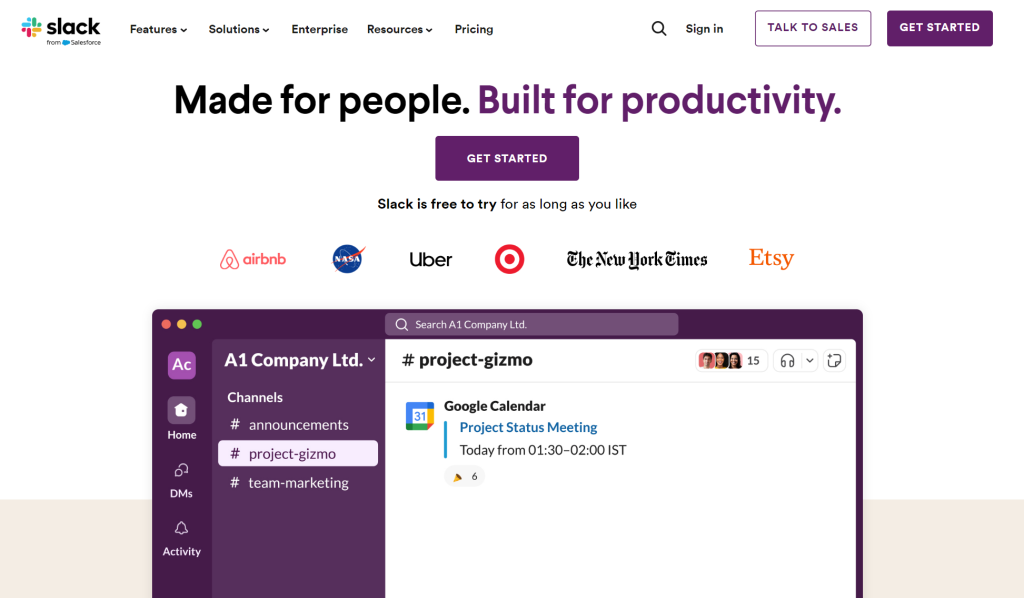
Slack is a communication tool that allows for real-time messaging, file sharing, and collaboration among teachers and students. It is ideal for organizing group projects and maintaining open lines of communication.
- Features: Real-time messaging, file sharing, collaboration tools.
- Pricing: Free for basic use, premium plans available.
- Link: https://slack.com
4. Microsoft Teams
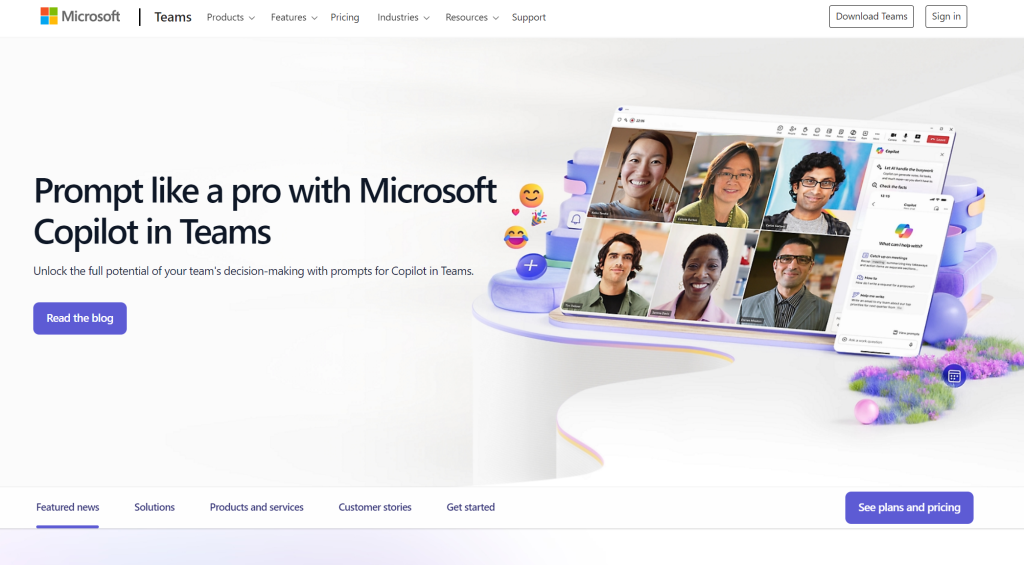
Microsoft Teams provides a platform for video meetings, file sharing, and collaboration. It supports online classes and facilitates communication between teachers and students.
- Features: Video meetings, file sharing, collaboration tools.
- Pricing: Free for basic use, premium plans available.
- Link: Microsoft Teams
AI Tools for Writing and Language Support
Assisting students with writing and language skills is a key aspect of teaching. AI tools can help improve grammar, style, and overall writing quality, providing real-time feedback and suggestions for improvement.
1. Grammarly
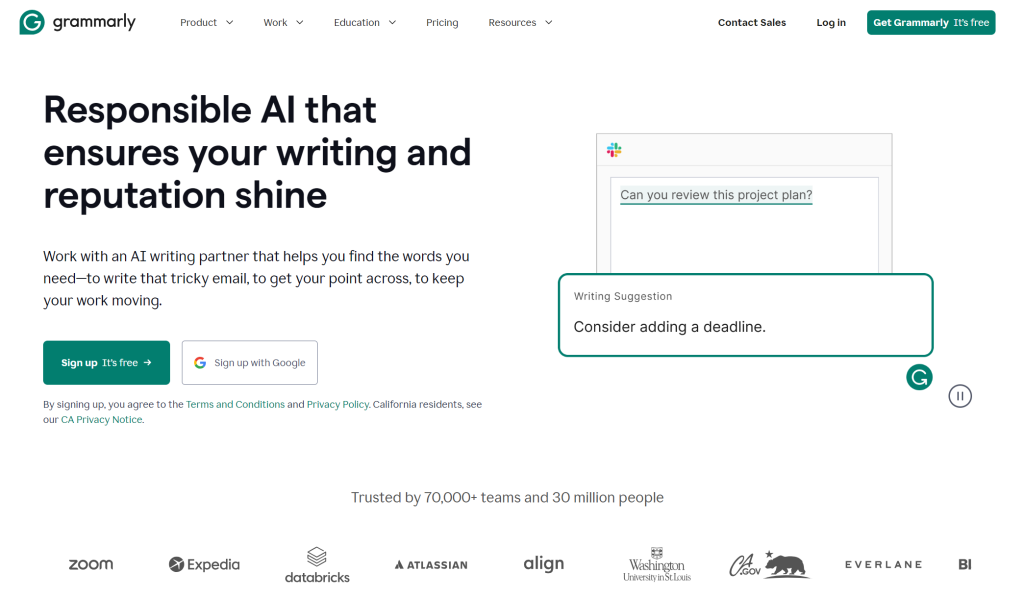
Grammarly reviews grammar, spelling, punctuation, and style, providing suggestions for improvement in real-time. It’s useful for both teachers and students to ensure high-quality written content.
- Features: Grammar, spelling, punctuation, and style suggestions.
- Pricing: Free for basic use, premium plans available.
- Link: https://www.grammarly.com
2. QuillBot
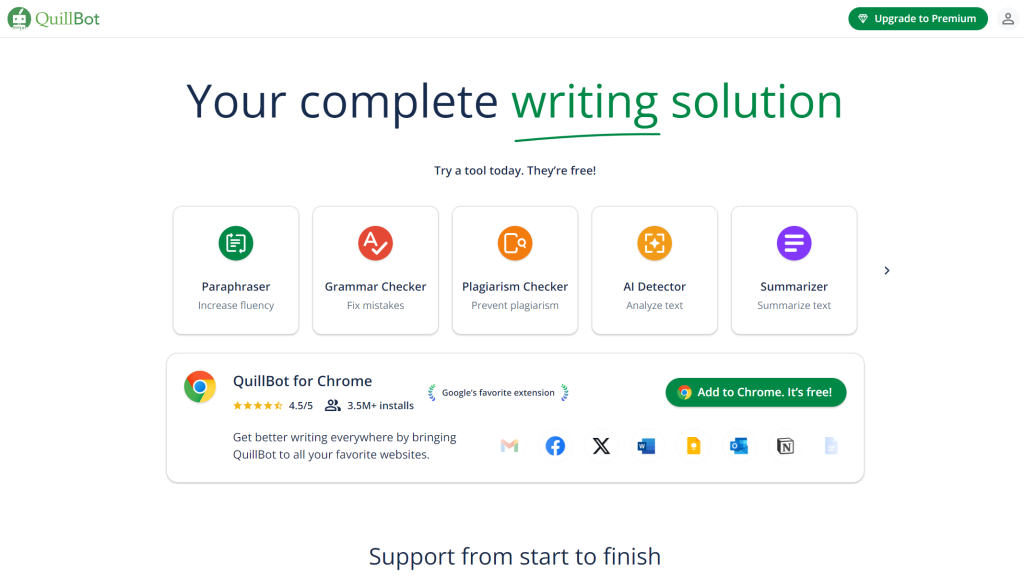
QuillBot helps in paraphrasing and rewriting text, making it useful for creating varied lesson materials and improving language expression. It offers multiple writing modes to fit different needs.
- Features: Paraphrasing, summarizing, rewriting text.
- Pricing: Free version available, premium plans for advanced features.
- Link: https://quillbot.com
3. Hemingway Editor
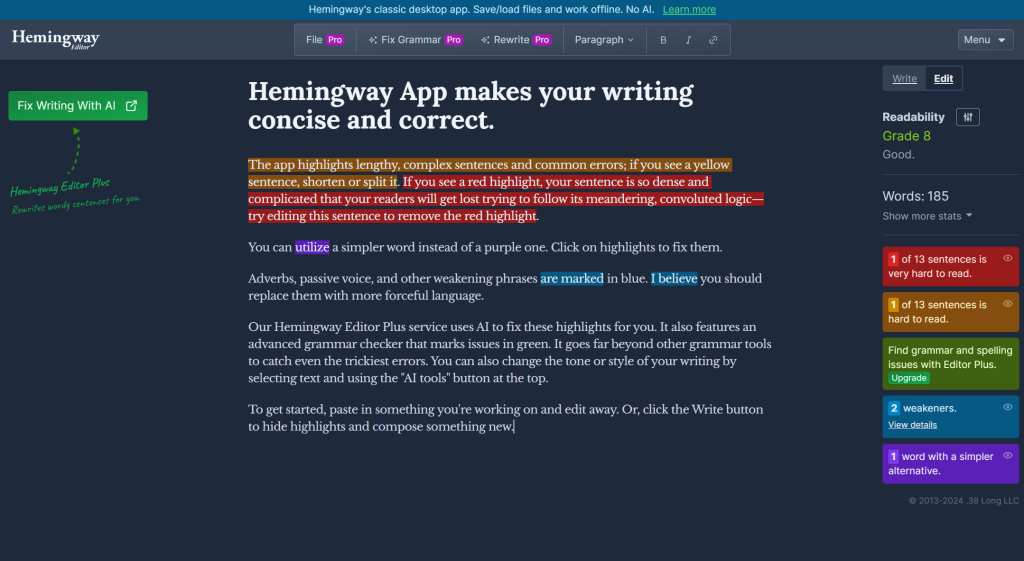
Hemingway Editor improves readability by highlighting complex sentences and offering suggestions for simpler alternatives. It’s a great tool for teachers and students to enhance writing clarity.
- Features: Readability improvement, highlights complex sentences, writing suggestions.
- Pricing: Free online version, desktop app available for purchase.
- Link: https://hemingwayapp.com
Also Explore:
Best Math AI Tools To Solve Math Problems Step by Step
Conclusion
Integrating AI tools for teachers into their teaching routine can make a huge difference. These tools can streamline workload, help stay organized, and enhance interaction with students. By adopting AI technology, teachers can focus more on teaching and less on administrative tasks, ultimately creating a better learning environment for students. Embracing these innovative apps combined with useful AI technology can transform teaching experience for both teachers and students alike.



